
18 Oct A5 vs A6 Flyers: Which Size Should You Choose?
Choosing between A5 and A6 flyers starts with two questions: how much must the reader understand, and where will they receive the flyer? A compact offer card needs a different layout from a service leaflet with prices, photographs and opening hours.
A5 and A6 finished sizes
Finished size means the dimensions after trimming. A5 measures 148 × 210 mm; A6 measures 105 × 148 mm. Rotate those measurements for landscape artwork. A5 provides twice the area of A6, allowing more space without reducing the type size.
| Format | Useful starting point |
|---|---|
| A6 | A single offer, event reminder or compact handout |
| A5 | A service list, fuller promotion or information leaflet |
Choose the content before the paper
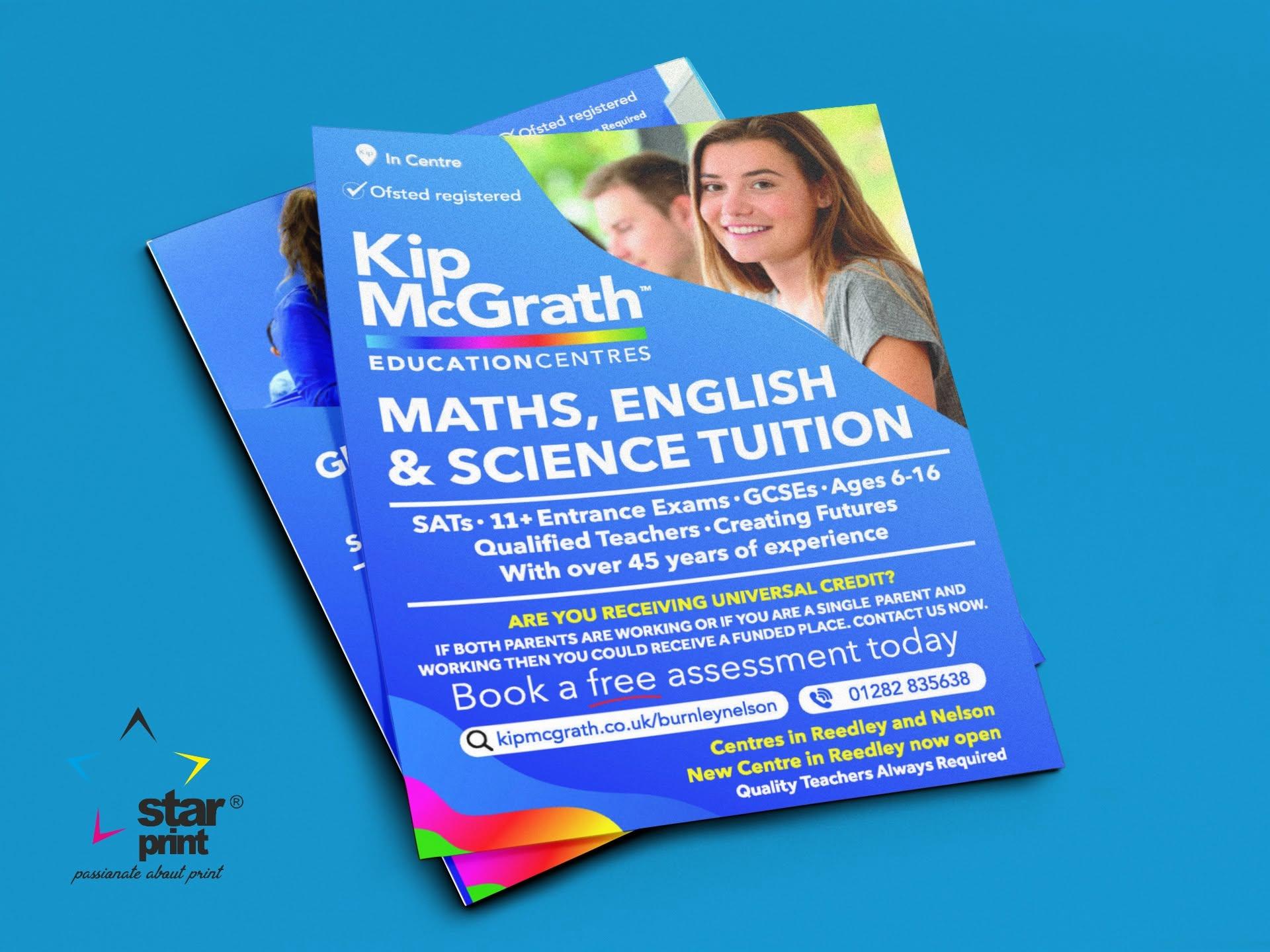
Write the headline, essential information and action you want the reader to take first. A local café promoting one lunchtime offer may only need a photograph, price and location. A tuition provider explaining subjects, age groups and booking details may benefit from the extra space of A5.
For double-sided printing, use the front to establish the offer and the reverse for supporting details. This is also called duplex printing. Avoid filling every available space: clear hierarchy and readable type make the information easier to use.
What does GSM tell you?
GSM means grams per square metre: the paper’s mass per unit area. It is not a direct measurement of thickness. Paper thickness is called caliper, and two stocks with the same GSM can feel different because of their composition, bulk and coating.
Compare the stock options on the product page and consider handling, distribution and budget. Ask about a sample if the feel of the finished flyer is important.
Check trim, bleed and safe margins
Bleed is artwork extending beyond the trim edge, helping avoid unwanted white slivers after cutting. Keep essential text inside a safe margin. Confirm the required bleed and margin for your order before exporting; do not assume every product uses the same settings.
Print a desktop copy at actual size to check readability, and test any QR code at its intended printed size. Keep a written web address or contact option alongside it.
Order the format that suits your campaign
Compare A5 flyer printing with A6 flyer printing, then choose your quantity and available stock. For help deciding, email info@starprint.org.uk with your artwork and intended use.
Artwork reference: Adobe’s guide to print bleed.